A photographed club scoreboard can be hard to read for ordinary reasons: glare across a column, a tilted camera or a small file sent through a messaging app. Enlarging it may make the digits look more convincing without making them more reliable. A sharp invented eight is worse than an obviously unreadable mark.
For this task, an AI Photo Editor belongs after source collection, not before it. First establish what the board actually said. Then improve its presentation while checking that every name, score and status survives. The photograph is a source to inspect, not a puzzle whose missing answers should be generated.
Save The Full Board Before Correcting Its Appearance
Keep the original capture at its available resolution. Ask for the camera file if the only version is a compressed preview. A second photograph taken from a slightly different position may resolve a reflection more reliably than processing the first image repeatedly. Include the board heading and any note identifying the round.
Record whether the display was provisional or final. A clear photograph of an earlier result remains an earlier result. File quality cannot establish that a score was approved, and a later correction should not silently replace the number visible in the original photograph.
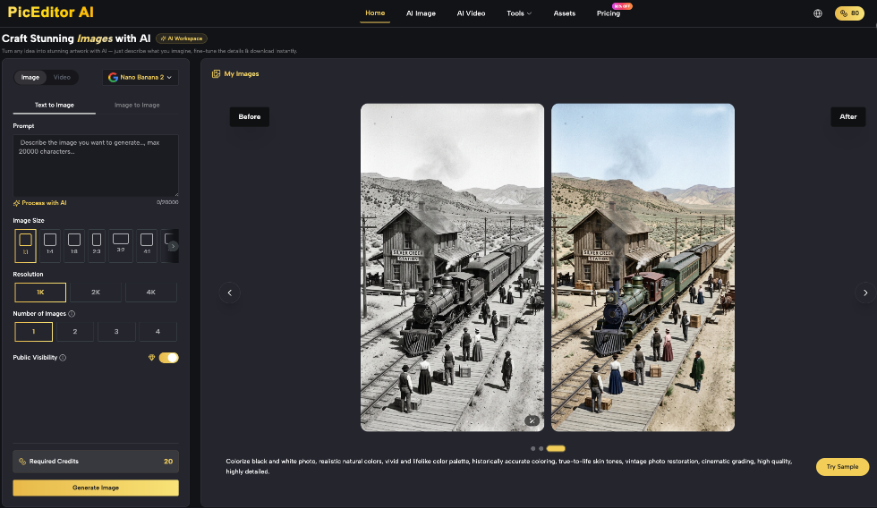
PicEditor AI provides enhancement and editing for uploaded images. Its output can help with presentation, but the readable result still needs checking against a dependable source. Where the camera file is ambiguous, use the organizer’s confirmed result sheet or ask for another capture. Keep unresolved entries visibly unresolved until that check is complete.
Consider a hypothetical junior club event with two players who share a surname. A crop showing only that surname and a score could be attached to the wrong person even if every digit is unchanged. Preserve the row identifier and enough surrounding context to distinguish the entries.
Build A Small Transcription Beside The Image
Read the source before enhancing it. Put the row identifier, displayed score and any qualification mark into a plain spreadsheet or text document. This independent transcription becomes the reference for checking the derivative. Do not transcribe the enhanced version and then use those same words to approve it.
Separate A Blank Cell From A Zero
A blank may mean that a result has not been entered. A dash may indicate a withdrawal or a field that does not apply. Use the organizer’s stated meanings rather than assigning your own. The shape of the mark and its meaning are separate facts; both can matter to someone reading the board.
Write “unclear” in the review notes when a cell cannot be read. Include its row and column so another person can locate it. A nearby total may suggest a possible value, but that is a hypothesis to verify, not permission to rewrite the image.
An AI Photo Editor should not be asked to complete missing results. Describe the desired visual adjustment without supplying a guessed score. If the verified record later resolves the value, a newly typeset graphic is often easier to audit than a photograph whose digits have been selectively reconstructed.
Keep names and category labels in the transcription too. A correct number beside the wrong participant is still an incorrect result. Check accents, initials and team abbreviations against the relevant record, particularly where narrow columns have caused lettering to overlap.
Adjust The Photograph Without Recreating Its Content
Start with ordinary presentation corrections such as a better crop or an exposure adjustment in an image editor. Compare each version with the source at a useful reading size. A modest improvement that preserves uncertain detail is preferable to a dramatic cleanup that turns uncertainty into apparently complete lettering.
When trying an AI photo enhancer, save its output separately and compare the entire board. The goal is improved visibility, not more attractive handwriting or tidier numbers. Reject an output that changes the content even if most of the board looks better.
PicEditor AI can be used to create an enhancement candidate from the uploaded photograph. Keep the request focused on the presentation problem. Do not assume that instructions to preserve text guarantee exact characters; that question is settled by the subsequent readback.
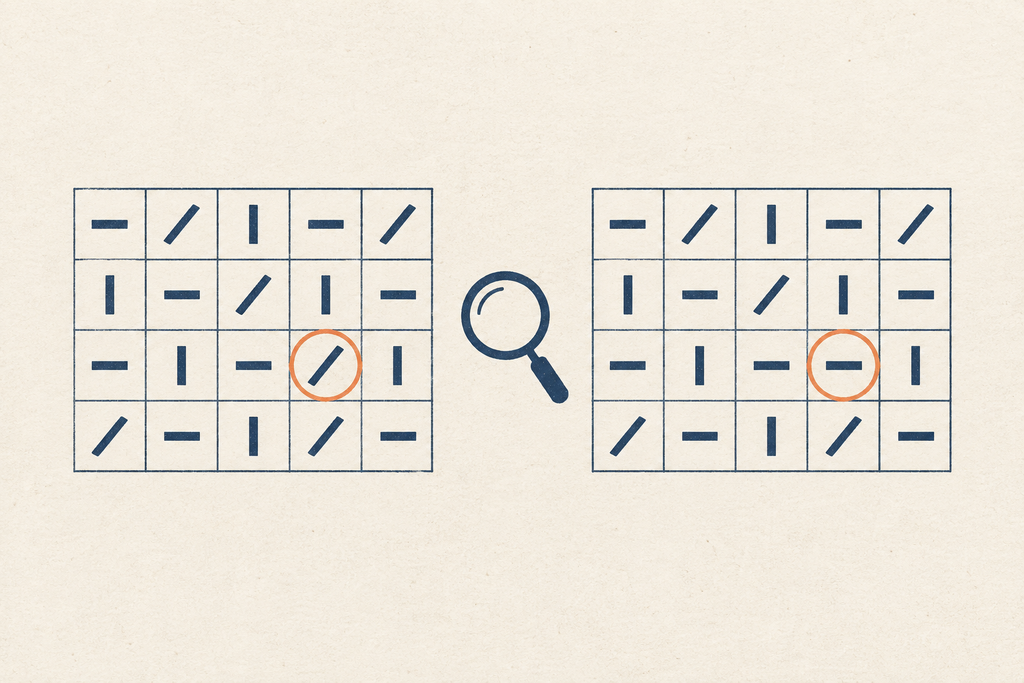
Watch for repeated patterns. A row of similar scores can encourage an unnoticed substitution because the changed entry still looks plausible. Likewise, grid lines may become thicker and cover a decimal point. Inspect the difficult cells first, then complete a full pass rather than approving the board from a few clean examples.
If an AI photo enhancer produces a convincing but different numeral, discard that candidate. Repeatedly prompting the wrong output can make it harder to tell which detail came from the camera. Return to the untouched source or build a separate graphic from confirmed data.
Read Every Enhanced Cell Back To The Source
Have a second person read the candidate aloud while the first follows the independently verified transcription. Work in a fixed order: row label, each score, total and status. This catches misplaced values that a quick visual comparison may miss. Log discrepancies by location rather than writing a general “looks wrong” note.
Then reverse the comparison for uncertain areas. Look directly at the source photograph and identify the feature that supports the reading. A reviewer’s confidence is not evidence if the original pixels remain ambiguous. Refer those entries back to the organizer instead of settling the question by majority vote.
Check the export at the size readers will receive. Messaging compression can erase thin strokes or join adjacent characters after the master file has passed inspection. Save and reopen the actual delivery file. If a phone-sized image cannot carry the board clearly, accompany it with verified text or a larger accessible version.
Check the correspondence between columns as well. A number can remain perfectly legible while an altered divider makes it appear to belong to the neighboring category. Read the column heading with the value, especially where one participant has several round scores. Keep the verified row identifier beside each score in the review notes.
Record which candidate was approved and retain the rejected one only if it is useful for documenting a discrepancy. PicEditor AI output should enter the publication folder only after this check. Keeping drafts separate prevents an attractive early version from being forwarded before its values have been read back.
Publish The Verified Result With Its Status Intact
A result graphic should identify the event, round and whether the figures are final. If the organizer issues a correction, update the graphic from that record and identify the revision. Do not imply that a retouched photograph independently proves a corrected value that was never visible on the board.
Enhancement is useful when it helps readers inspect information already supported by the source. When the source is missing or unreadable, request better evidence or typeset confirmed data. The final file should make the result easier to read without making its uncertain parts look settled.
Visit our website for more.