For years, the thing standing between a nice photograph and an actual video was everything hard about video: a camera rolling, footage to manage, an editing timeline to wrestle with. Lately that has quietly flipped. The question I now hear most from people who make content is not “how do I shoot this” but “can I just move the photo I already have.” That shift is what led me to open a folder of images I had never done anything with and run them through Viddo AI’s image to video mode, curious whether a single frame really is enough to produce something worth posting.
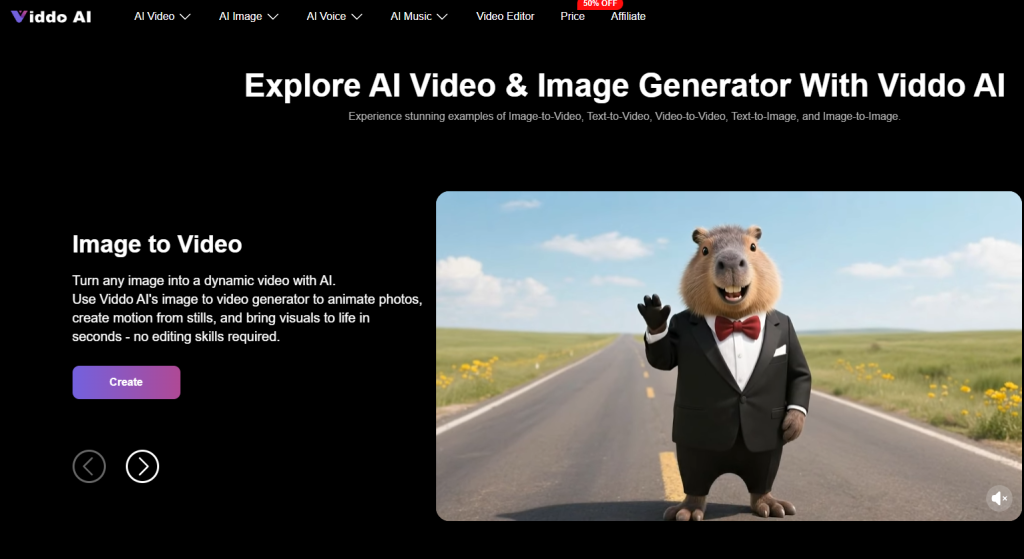
The appeal is easy to understand once you sit with it. You are not asking a tool to dream up a scene from nothing; you are asking it to add life to one you already trust. Where that holds up and where it comes apart is the interesting part, so I kept the whole test close to how an everyday creator actually works.
Setting Up a Simple, Honest Animation Test
I wanted results I could believe, so I kept the method plain. I picked three ordinary photos — a landscape from a trip, a flat-lay food shot, and a candid of a friend — and wrote short, similar motion prompts for each. Then I watched for the things that quietly decide whether an animated still is usable: does the subject keep its shape while it moves, do fine edges hold together, does the motion I asked for actually show up, and how much does a small wording change swing the result. From a practical user perspective, moving a still is less about imagination and more about steady, controlled motion on a fixed base, so those small stability details end up mattering more than anything flashy.
Giving a Landscape Photo a Real Sense of Air
The landscape was the gentlest place to start. I asked for slow drifting clouds and a faint sway in the foreground, nothing dramatic. In my testing, this kind of soft environmental motion is where photo animation feels most natural, because the scene has no single subject that has to stay perfectly consistent. The clouds moved believably and the frame gained a breathing quality that still simply cannot have. The one thing to watch is that sharp horizon lines and distant detail can shimmer slightly if you push the movement too far, so a light touch reads better than an ambitious one. For anyone with travel or scenery shots gathering dust, this was the friendliest first experiment.
Adding Gentle Life to a Flat-Lay Food Shot
Food was a step harder, because our eyes know exactly how steam and liquid should behave. I ran the flat-lay through the image to video pass with a prompt for rising steam and a soft camera drift, and the restrained version came out far more convincing than when I asked for busier motion. It appears that small, plausible movement — a curl of steam, a slow push toward the plate — sells the shot, while anything exaggerated starts to look artificial. From a practical standpoint, the trick was to add just enough motion to suggest freshness, not to stage a whole scene. Results may vary between attempts, so generating a couple and keeping the calmer one is a sensible habit.
Walking Through the Steps From Photo to Clip
What keeps this comfortable is how short the path is, with each stage sitting in plain view rather than hidden away.
Bring In Your Photo and Pick a Model
You start by uploading the image you want to move and choosing which model will handle it, working from a picture you already have rather than a blank page.
Starting With a Sharp, Uncluttered Source
A clean, well-lit photo gives the model a clearer anchor, which in practice cuts down the edge shimmer that busy or dim images tend to cause.
Tell the Model What Motion You Want
Next you write a prompt describing the movement for the model you chose. Because Viddo AI passes your wording straight through to that model instead of rewriting it into one shared style, it helps to phrase things the way that particular model likes rather than assuming a single format fits every engine.
Naming the Motion Instead of Piling On Adjectives
Saying exactly what should move — a slow drift, gentle steam, a soft pan — steadied my results more than stacking vague words like cinematic, which models tend to read loosely.
Set the Format, Then Generate and Look Closely
Before running, you set aspect ratio, resolution, and length to suit where the clip will live, then generate and review the draft.
Reading the First Result Before Trying Again
If the motion overreaches or a detail wobbles, a smaller and calmer prompt on a second run usually lands closer than trying to patch the clip afterward.
How a Photo-First Start Stacks Up Against Text
The clearest way to place this technique is beside the other common route, building a clip from a text prompt alone.
| Dimension | Starting from your own photo | Starting from a text prompt |
| Starting point | A real image you already trust | A scene invented each run |
| Subject consistency | Held in place by the source | Can drift between attempts |
| Motion control | You guide movement on a fixed base | Scene and motion shift together |
| Effort per good clip | Often one careful prompt | Usually more back-and-forth |
| Best fit | Photos you want to reuse | Scenes you have no footage for |

The Rough Edges Worth Knowing Before You Start
This is a helpful technique, not a magic one, and a little planning goes a long way. The result still leans heavily on how clearly you write the prompt, so a vague request gives you vague motion. Busy backgrounds and dense fine detail are where distortion shows up first, and large or fast movement asks much more of the model than a small gesture does. Since Viddo AI hands your prompt directly to whichever model you select without converting it into that model’s own syntax, phrasing that shines on one engine may behave differently on another, so a bit of trial is normal. Complex frames sometimes needed a few tries before one felt right, and access is subscription-based, which is worth factoring in before you plan a run of work.
Who This Suits, and When to Choose Otherwise
After enough runs, the picture was clear. This approach rewards anyone holding a stock of images they would love to keep using — small e-commerce teams giving product photos a little movement, social creators adding warmth to a strong still, and people who simply want an old memory to breathe. If your project needs bold, precise choreography or flawless faces in motion, a more specialized pipeline will likely serve you better. But for coaxing gentle, believable life out of a photo you already own, beginning with the image rather than a sentence stays the steadier and more forgiving path in Viddo AI.
Visit our website for more.